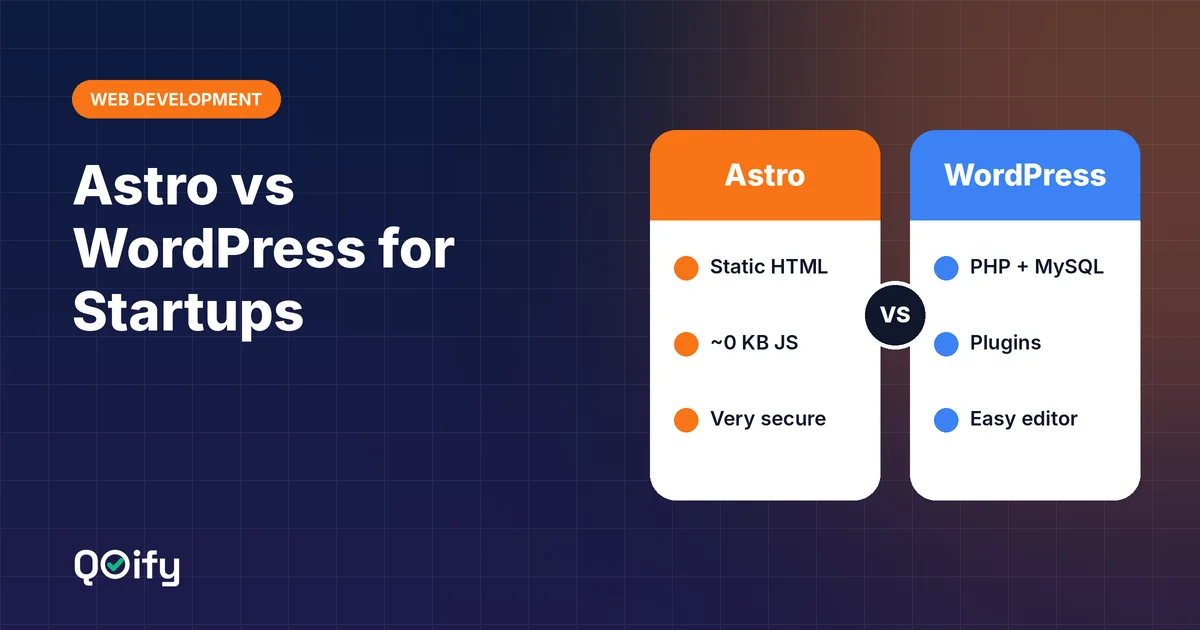
Short answer: for most tech startups, Astro is the better choice for a marketing site or blog, because it ships plain, fast HTML that Google and AI search engines can read instantly, is very hard to hack, and costs almost nothing to host. WordPress is the better choice when a non-technical team needs a full visual editor, publishes daily, and depends on plugins for things like memberships, courses or e-commerce.
Choosing the platform for your first website is a decision you will live with for years. Rebuilding later costs time, money and sometimes search rankings. This guide compares Astro and WordPress on the factors that actually matter for a startup: speed, SEO, AI search visibility, security, cost, content editing and long-term flexibility.
What is Astro?
Astro is a modern web framework for content-focused websites. It takes your pages, components and content (from Markdown files, a headless CMS or a database) and, at build time, turns them into static HTML files. Visitors download finished pages from a CDN, with no server work and almost no JavaScript.
Key ideas behind Astro:
- Zero JavaScript by default. Pages ship as HTML and CSS unless you explicitly add interactivity.
- Islands architecture. When you do need an interactive widget (a pricing calculator, a search box), only that small "island" loads JavaScript, not the whole page.
- Bring your own UI framework. You can use React, Vue, Svelte or plain Astro components.
- Flexible content sources. Markdown files, headless CMSs (Sanity, Storyblok, Decap, TinaCMS) or a database such as MySQL.
What is WordPress?
WordPress is the world's most widely used content management system. It is a PHP application with a MySQL database that builds each page when it is requested (unless caching is added). It comes with a visual block editor, user roles, media library, and an enormous ecosystem of themes and plugins.
Key ideas behind WordPress:
- Everything in one place. Content editing, design, users and plugins all live in a single admin dashboard.
- Plugins for almost anything. SEO, forms, e-commerce (WooCommerce), memberships, multilingual sites and more.
- Huge community. Developers, agencies, tutorials and hosting options are easy to find.
Astro vs WordPress: side-by-side comparison
| Factor | Astro | WordPress |
|---|---|---|
| Page speed | Excellent by default: static HTML, minimal JS | Varies: depends on theme, plugins, caching and hosting |
| Core Web Vitals | Usually passes with little effort | Often needs caching, image and script optimisation |
| Technical SEO | Full control in code; sitemap, schema and meta are easy to add | Easy with plugins such as Yoast SEO or Rank Math |
| AI search (GEO) | Clean HTML that AI crawlers read completely | Good if the theme outputs clean HTML |
| Security | Very high: no database or admin panel exposed on the live site | Needs regular core, theme and plugin updates |
| Hosting cost | Free or very low on Cloudflare Pages, Netlify or Vercel | Paid PHP hosting, plus premium plugins and themes |
| Content editing | Needs a headless CMS or database for non-developers | Best-in-class visual editor built in |
| Maintenance | Low: rebuild and deploy | Ongoing: updates, backups, plugin conflicts |
| Best for | Tech startups, SaaS, agencies, blogs, documentation | Content-heavy sites run by non-technical teams |
Speed and Core Web Vitals
Google uses Core Web Vitals (loading speed, responsiveness and visual stability) as part of its page experience signals, and users leave slow pages quickly.
- Astro pre-builds every page, so the server simply sends a ready-made file from a CDN close to the visitor. With little or no JavaScript, pages render quickly and respond to taps immediately.
- WordPress can also be fast, but it takes work: a lightweight theme, page caching, a CDN, image optimisation and careful plugin selection. Each extra plugin can add CSS and JavaScript to every page.
Verdict: Astro is fast by default; WordPress can be fast with effort and discipline.
SEO: which ranks better?
Neither platform ranks a page by itself. Rankings come from content quality, relevance, links and technical health. The difference is how much work it takes to get the technical foundation right.
With Astro you control every tag in the HTML. Title tags, meta descriptions, canonical URLs, Open Graph tags, structured data (JSON-LD) and XML sitemaps are added once in a layout and then applied to every page automatically.
With WordPress an SEO plugin gives non-developers forms for titles, descriptions and schema, plus helpful content analysis. The risk is bloat: overlapping plugins, duplicate schema or themes that output messy HTML.
Verdict: both can achieve excellent SEO. Astro gives cleaner output with less ongoing maintenance; WordPress is easier for non-technical editors.
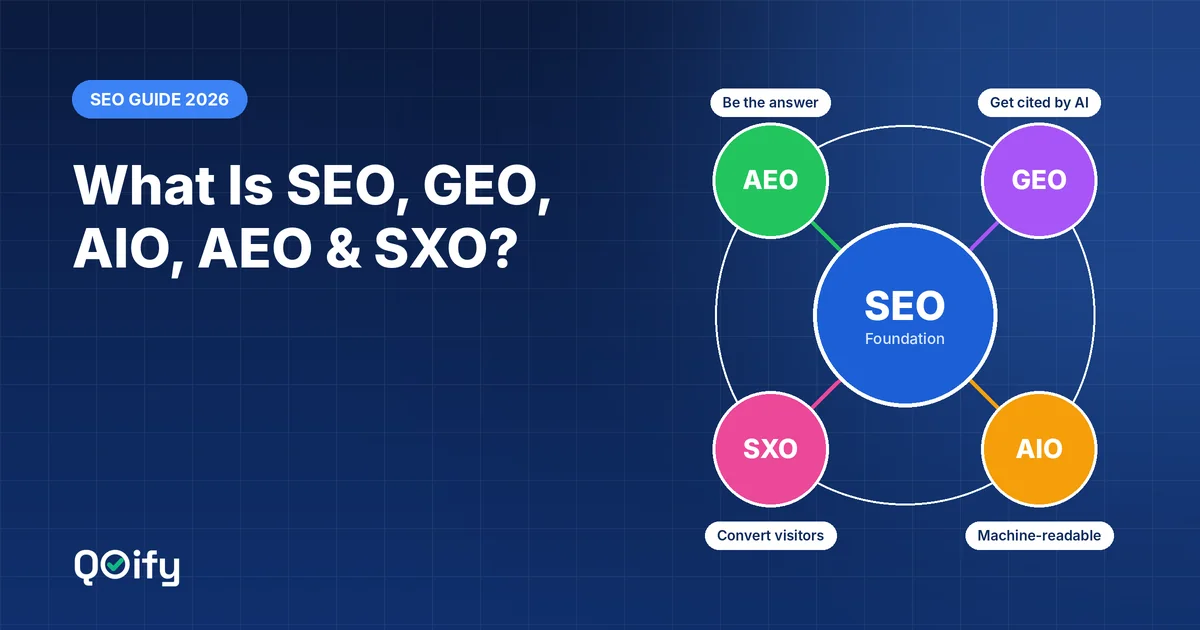
AI search visibility (GEO and AEO)
People increasingly ask ChatGPT, Perplexity, Gemini and Google's AI features instead of scrolling through search results. These tools need to read your content quickly and completely to quote it.
- Many AI crawlers do not run JavaScript. If important text is loaded by scripts, they may not see it.
- Astro outputs the full text as plain HTML, with clean headings and structured data, which is ideal for being cited.
- A well-built WordPress site also outputs HTML, but page builders and heavy themes can bury content inside complex markup.
Verdict: Astro has a structural advantage, but clear, well-organised content matters more than the platform.
Security
Astro sites are static files. There is no admin login, database or PHP code running on the public website, so the most common attack routes simply do not exist. Your content source (CMS or database) can sit privately behind the build process.
WordPress is a frequent target precisely because it is so popular. Security reports consistently show that most WordPress vulnerabilities come from plugins and themes rather than WordPress core. Staying safe means regular updates, strong passwords, two-factor authentication, a security plugin or firewall, and backups.
Verdict: Astro is far more secure by design.
Cost
| Cost item | Astro | WordPress |
|---|---|---|
| Hosting | Often free (static hosting) | Paid shared, VPS or managed WordPress hosting |
| Theme | Custom build or free templates | Free or premium themes |
| Plugins / integrations | Mostly free, open source | Many key plugins have paid tiers |
| Maintenance | Low | Ongoing updates and monitoring |
| Initial build | Needs a developer | Can be set up by non-developers |
Verdict: Astro is cheaper to run; WordPress can be cheaper to set up if you have no developer.
Content editing and publishing
This is where WordPress shines. Marketing teams can draft, schedule, preview and publish posts in a familiar editor without touching code.
Astro needs a content source for non-developers. Common options are:
- A headless CMS (Decap CMS, TinaCMS, Sanity, Storyblok) with an editing dashboard.
- A database that another tool or admin panel writes to, with the site rebuilding automatically.
- Markdown files in Git, which work well for developer-led teams.
For a startup publishing one or two posts a week, any of these is easy to run. For a newsroom publishing many posts a day, WordPress's built-in workflow is hard to beat.
When to choose Astro
- You are a tech startup, SaaS company, agency or developer-led team
- Speed, Core Web Vitals and AI search visibility are priorities
- You want minimal maintenance and very low hosting costs
- Your site is mostly marketing pages, a blog, documentation or case studies
- You have (or are) a developer for the initial build
When to choose WordPress
- A non-technical team will manage the site without developer help
- You publish content daily and need an editorial workflow
- You rely on plugins for memberships, courses, forums or complex forms
- You need e-commerce quickly through WooCommerce
- You want the largest pool of freelancers and agencies to hire from
The hybrid option: headless WordPress with Astro
You can also combine both. WordPress is used only as a private content editor, and Astro builds the public website from WordPress's API. Editors keep the familiar dashboard; visitors get a fast, secure static site. The trade-off is more moving parts to maintain, so this setup makes the most sense for teams already committed to WordPress.
Conclusion
For a modern tech startup, Astro is usually the better foundation: fast by default, secure, inexpensive to host and well suited to both traditional SEO and AI search. Choose WordPress when non-technical editors, daily publishing or plugin-driven features matter more than raw performance. Whichever you pick, the long-term results will depend most on publishing genuinely useful content consistently.