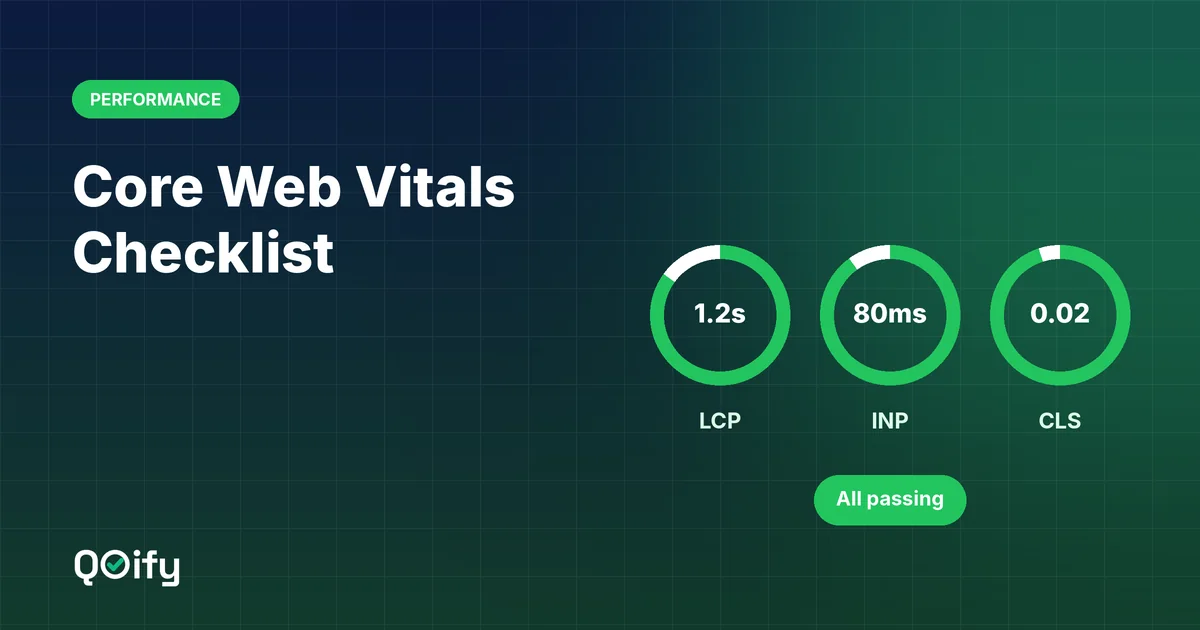
Core Web Vitals are three measurements Google uses to judge the real-world experience of a web page: Largest Contentful Paint (LCP) for loading speed, Interaction to Next Paint (INP) for responsiveness, and Cumulative Layout Shift (CLS) for visual stability. To pass, a page should have an LCP of 2.5 seconds or less, an INP of 200 milliseconds or less, and a CLS of 0.1 or less, measured for at least 75% of real visits.
For small businesses, good Core Web Vitals mean happier visitors, more enquiries and a healthier search presence. This checklist explains each metric in plain language and lists the fixes that make the biggest difference.
The three Core Web Vitals at a glance
| Metric | What it measures | Good | Needs improvement | Poor |
|---|---|---|---|---|
| LCP – Largest Contentful Paint | How fast the main content appears | ≤ 2.5 s | 2.5 – 4.0 s | > 4.0 s |
| INP – Interaction to Next Paint | How quickly the page responds to clicks, taps and typing | ≤ 200 ms | 200 – 500 ms | > 500 ms |
| CLS – Cumulative Layout Shift | How much the layout jumps around while loading | ≤ 0.1 | 0.1 – 0.25 | > 0.25 |
Google evaluates these at the 75th percentile of real user visits, separately for mobile and desktop. INP replaced the older First Input Delay (FID) metric in March 2024.
Why Core Web Vitals matter for a small business
- Visitors leave slow pages. Every extra second of waiting increases the chance that a potential customer gives up.
- Search visibility. Core Web Vitals are part of Google's page experience signals. They will not outrank great content on their own, but they can make the difference between similar pages.
- Mobile customers. Many local and small-business searches happen on phones with slower connections, where performance problems are most noticeable.
- Trust. A page that loads instantly and stays stable simply feels more professional.
How to measure your Core Web Vitals
| Tool | What it shows | Best for |
|---|---|---|
| PageSpeed Insights | Real-user data (when available) plus a lab test and suggestions | Checking individual pages |
| Google Search Console – Core Web Vitals report | Groups of URLs that pass or fail, based on real users | Monitoring the whole site |
| Chrome DevTools – Performance panel and Lighthouse | Detailed lab diagnostics | Developers finding root causes |
| Chrome UX Report (CrUX) | Public real-user performance data | Comparing with competitors |
Remember the difference between field data (real visitors, used for assessment) and lab data (a simulated test, used for debugging). A page can score well in a lab test and still fail in the field on slower phones.
LCP checklist: make the main content load fast
LCP measures when the largest visible element, usually a hero image, banner or headline, finishes rendering.
- Optimise the hero image. Resize it to the size it is actually displayed, compress it, and use a modern format such as WebP or AVIF.
- Do not lazy-load the main image. Lazy loading is great for images further down the page, but the hero image should load immediately. Mark it as high priority (
fetchpriority="high"). - Use fast hosting and a CDN. A content delivery network serves your pages from a location close to each visitor.
- Cache pages. Static sites or properly cached pages avoid rebuilding the page on every request.
- Reduce render-blocking resources. Inline critical CSS, defer non-essential CSS and load JavaScript with
deferorasync. - Limit web fonts. Use one or two font families, self-host them, and use
font-display: swapso text appears immediately. - Avoid large sliders and video backgrounds above the fold. A single well-optimised image usually performs and converts better.
INP checklist: make the page respond instantly
INP measures how long the page takes to visually respond after a user interacts with it, across the whole visit.
- Ship less JavaScript. Remove unused plugins, widgets and libraries. Every script competes for the browser's attention.
- Audit third-party scripts. Chat widgets, heatmaps, multiple analytics tags and social embeds are common causes of slow interactions. Keep only what you actually use.
- Load non-essential scripts later, after the main content is interactive, or only when the user needs them (for example, load a chat widget when its button is clicked).
- Break up long tasks. Developers should split heavy JavaScript work into smaller chunks so the browser can respond to input in between.
- Keep the page simple. Very large pages with thousands of elements take longer to update after each interaction.
- Prefer static HTML with small interactive "islands" over pages that rely entirely on JavaScript to render.
CLS checklist: stop the layout from jumping
CLS measures unexpected movement of page content while it loads and while people use it.
- Always set width and height on images and videos (or use CSS
aspect-ratio) so the browser reserves the right space. - Reserve space for ads, embeds and iframes with a fixed-size container.
- Avoid inserting banners above existing content after the page loads, such as cookie notices or promotions that push everything down. Use overlays or reserve the space in advance.
- Load fonts carefully. Preload key fonts and choose fallback fonts with similar sizes to reduce the jump when the web font arrives.
- Animate with transforms. Use CSS
transformandopacityfor animations instead of properties that change layout, such astoporheight.
Quick wins for common platforms
WordPress
- Use a lightweight theme and avoid heavy page builders where possible
- Install one well-configured caching plugin and connect a CDN
- Remove plugins you no longer use
- Use an image optimisation plugin that serves WebP or AVIF
Shopify and other hosted builders
- Choose a fast, well-maintained theme
- Limit apps, since many add scripts to every page
- Compress product images before uploading
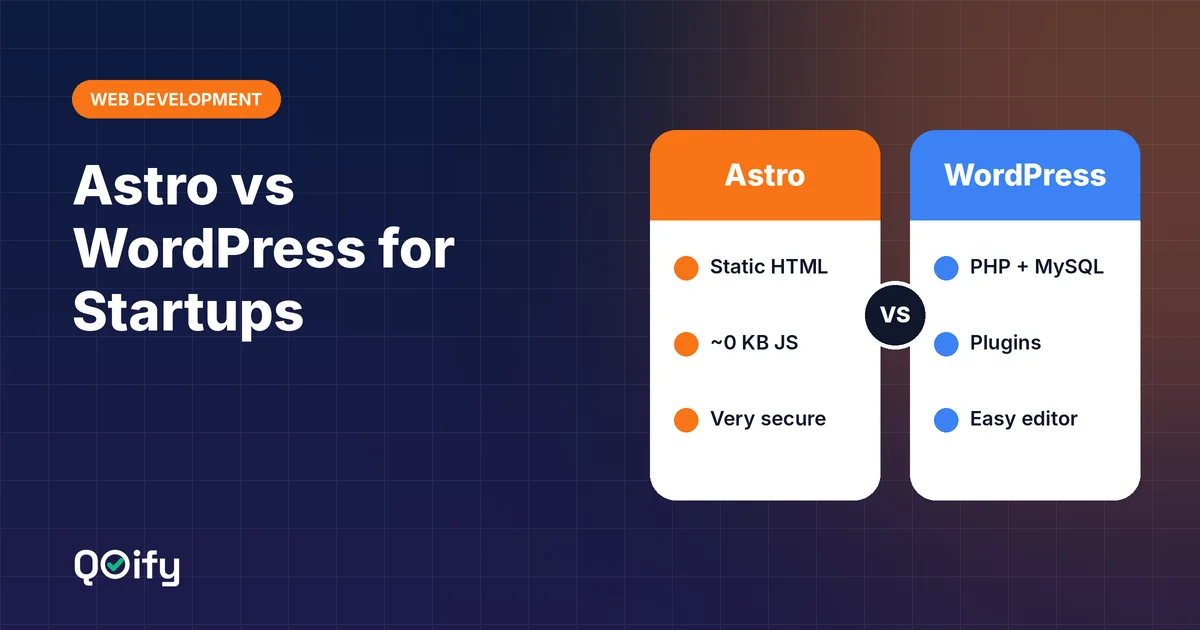
Static sites (such as Astro)
- Static HTML gives you a strong head start on all three metrics
- Still optimise images, fonts and third-party scripts
A 30-minute monthly routine
- Open the Core Web Vitals report in Google Search Console and check for new "Poor" or "Needs improvement" URL groups.
- Run your home page and top three landing pages through PageSpeed Insights on mobile.
- Review any new plugins, apps or scripts added in the last month.
- Check that new images were compressed and sized correctly.
- Write down the scores so you can spot trends over time.
Common myths
- "A score of 100 in Lighthouse means I pass." Not necessarily. Google uses real-user field data for assessment.
- "Core Web Vitals are all that matter for SEO." Relevant, helpful content remains far more important. Performance supports good content; it does not replace it.
- "Desktop results are enough." Mobile and desktop are assessed separately, and mobile is usually harder to pass.
Conclusion
Passing Core Web Vitals comes down to three habits: load the main content quickly, respond to every interaction instantly, and keep the layout stable. For most small business websites, the biggest gains come from optimising images, removing unnecessary scripts and plugins, using good hosting with a CDN, and reserving space for every image and embed. Fix the basics once, check your reports monthly, and your visitors will notice the difference.